Skip to content

Tenant messages

Answer tenant messages with the facts in view.

Handle tenant questions without digging through paperwork or old emails.
  1. Open the message in your Inbox.
  2. Keyhold drafts an answer using the lease.
  3. Review the text and tap send.
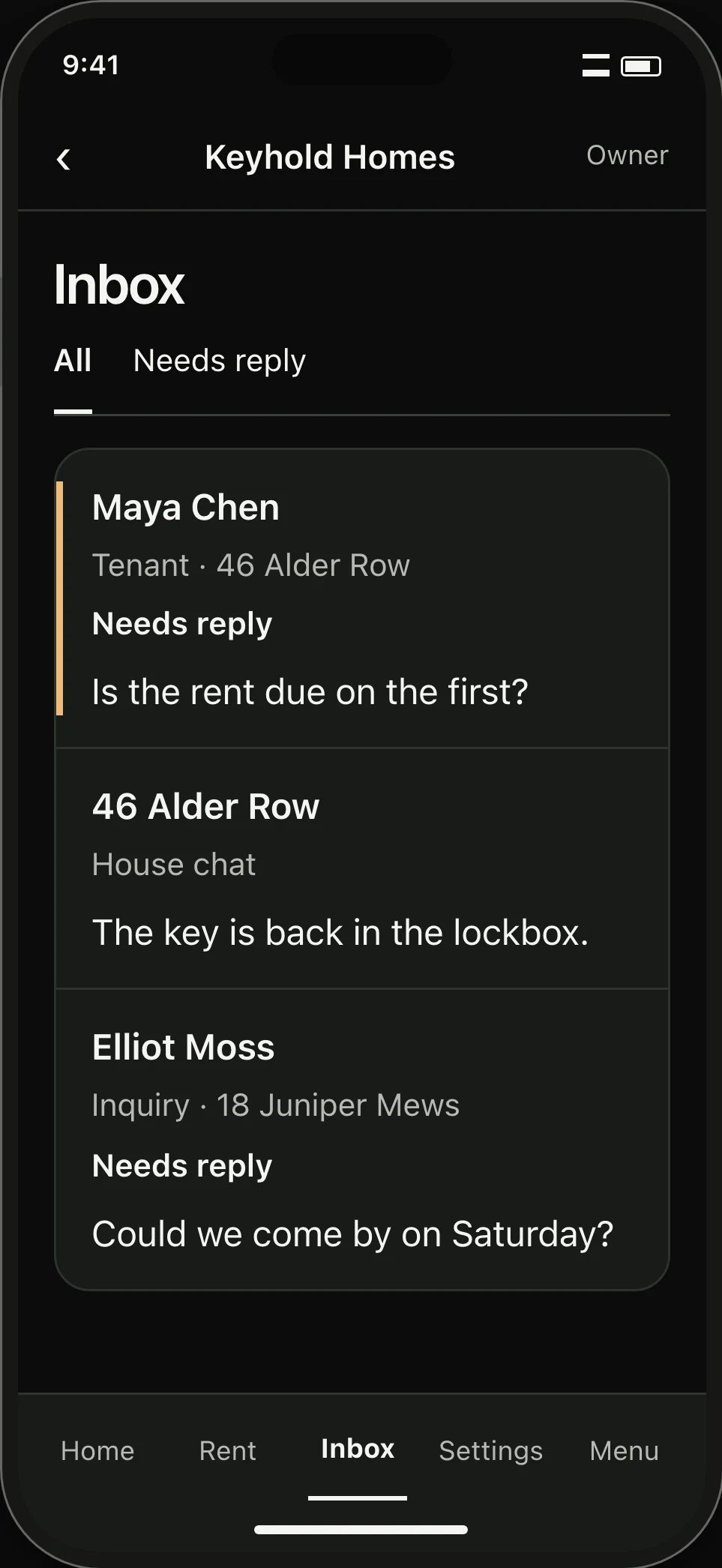
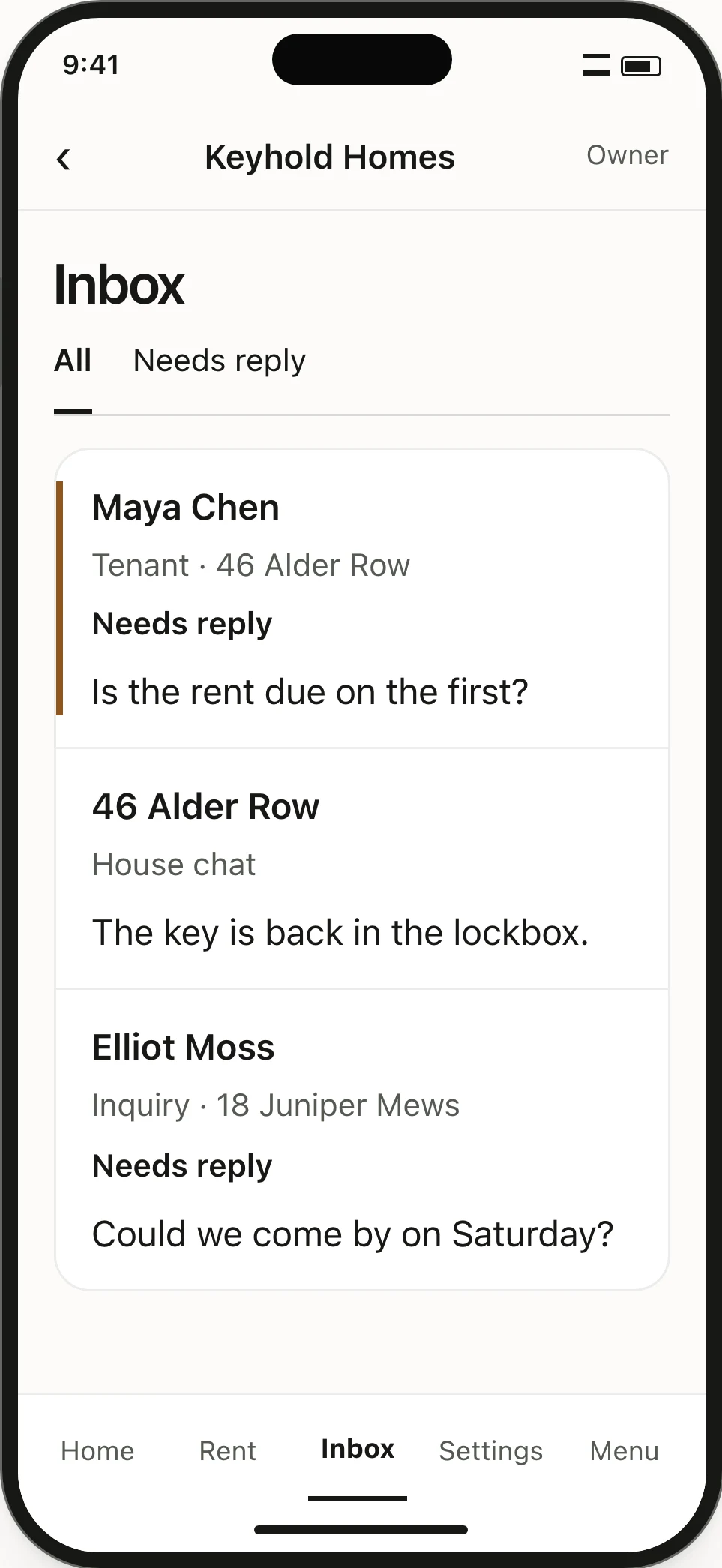
Inbox. A private tenant question, a house chat and a viewing inquiry appear together, with worded reply states.Inbox. A private tenant question, a house chat and a viewing inquiry appear together, with worded reply states.

Pulls from saved records

The draft checks your lease and past payments.

Undo rewrites in one tap

Your previous draft restores immediately.

Nothing sends on its own

Every reply stays private until you choose to send.

Rewrite controls

See a second way to say it.

Tap Rewrite to compare alternate wording beside your draft. Pick the version you prefer or keep your original.

  1. Start with your draft in the composer.
  2. Tap Rewrite to see suggested wording.
  3. Keep your draft or use the suggestion.

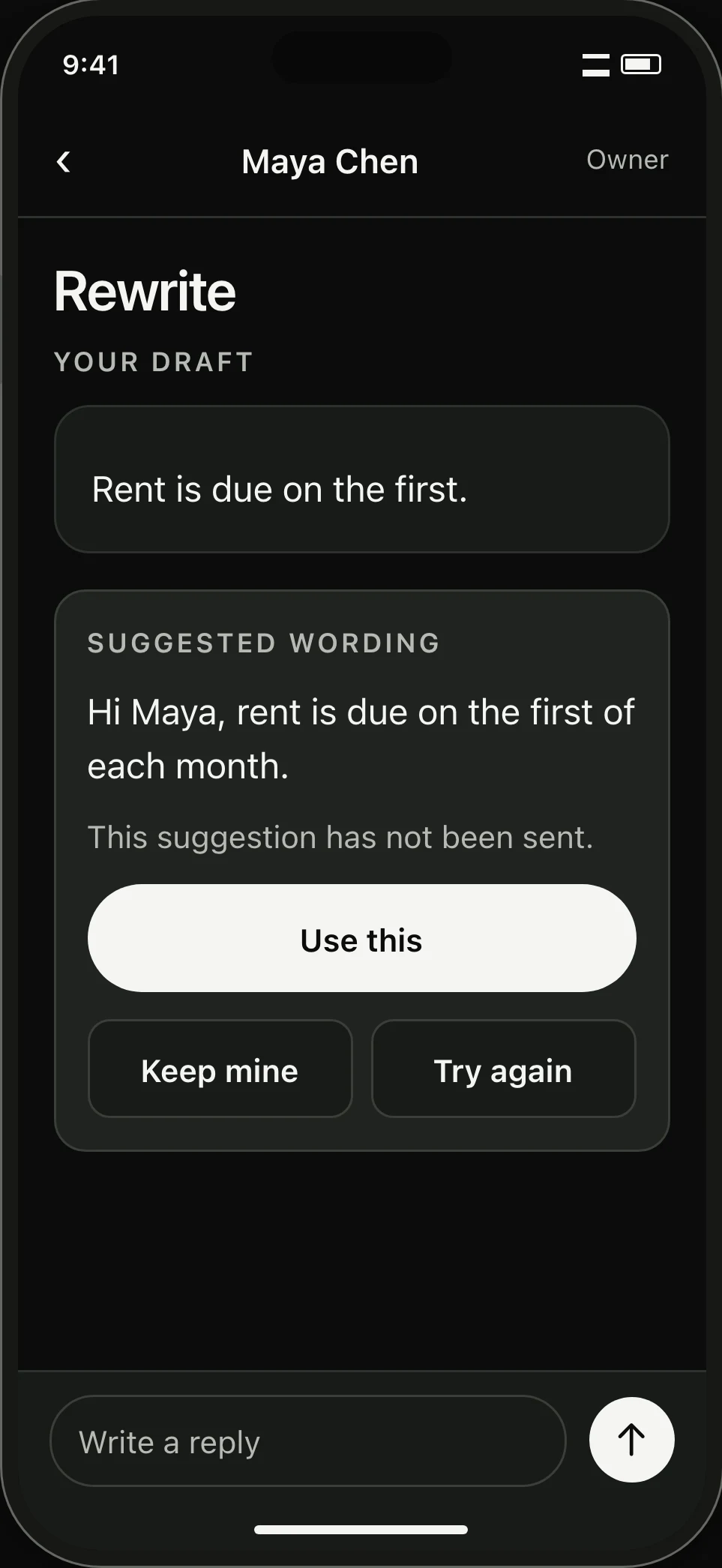
Rewrite suggests new wording with buttons to accept, decline, or try again.
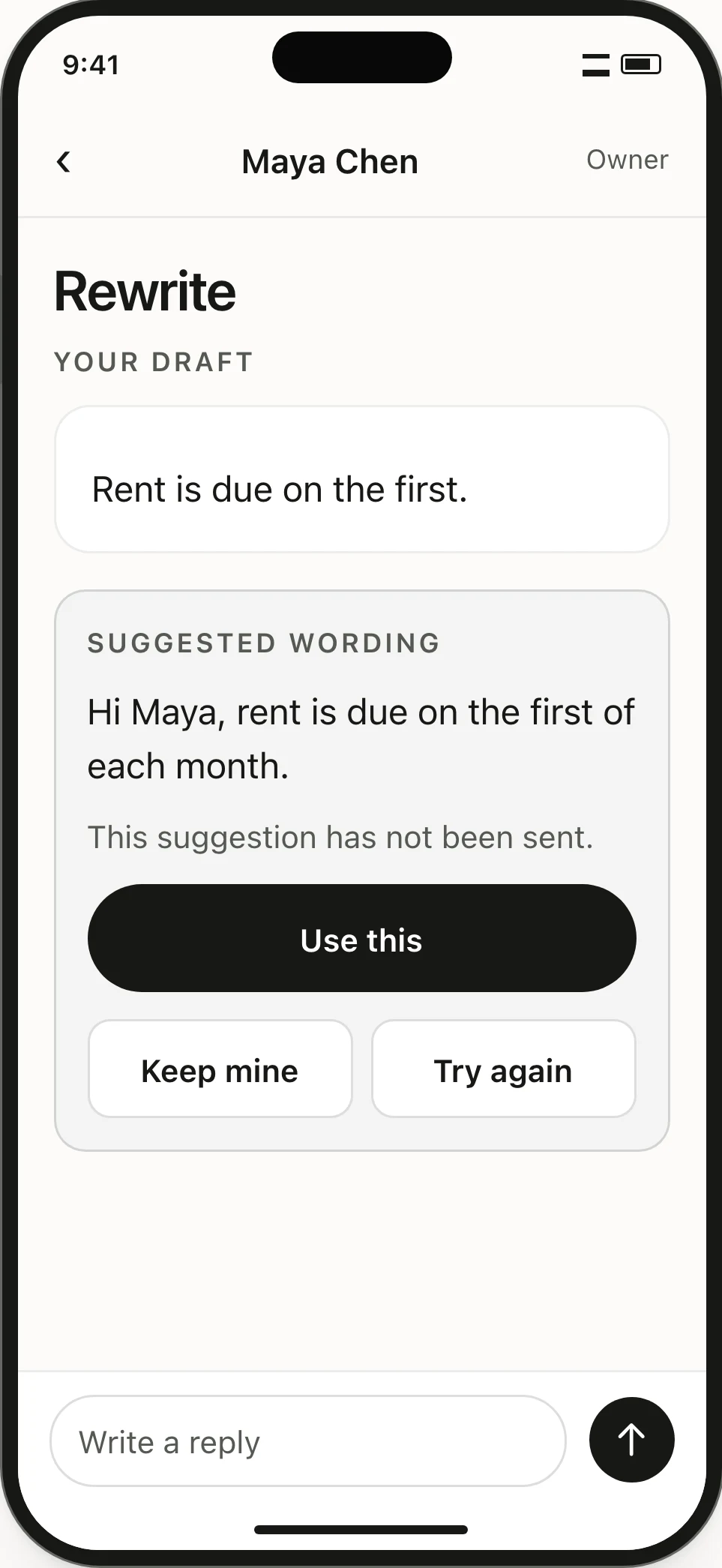
  • Rewrite
  • Use this
  • Keep mine
  • Try again
Rewrite comparison. The owner can use the suggestion, keep their draft or request another version.Rewrite comparison. The owner can use the suggestion, keep their draft or request another version.

01 / Private threads

Read the earlier messages.

Each tenant has a private conversation with you. Earlier questions and replies stay above the newest message, in the order they were sent.
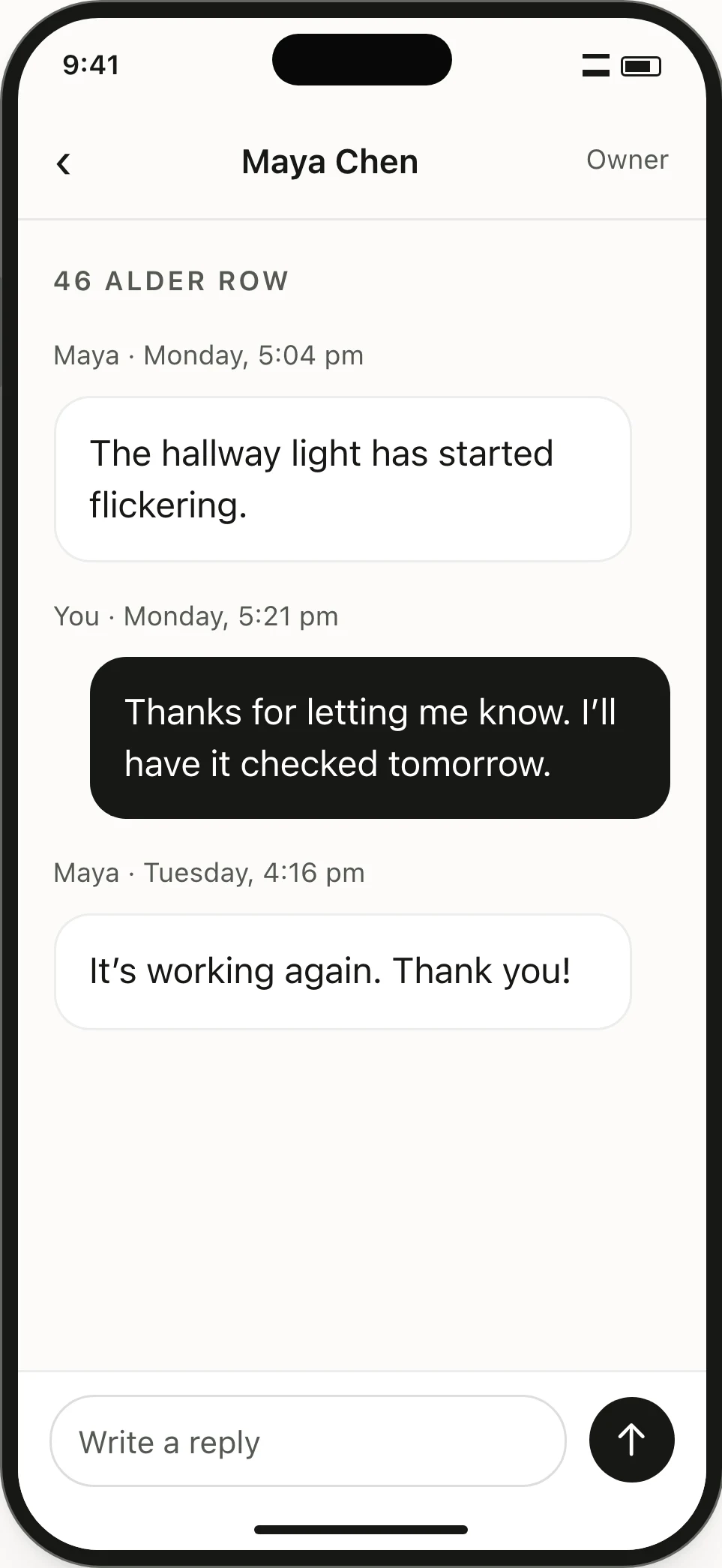
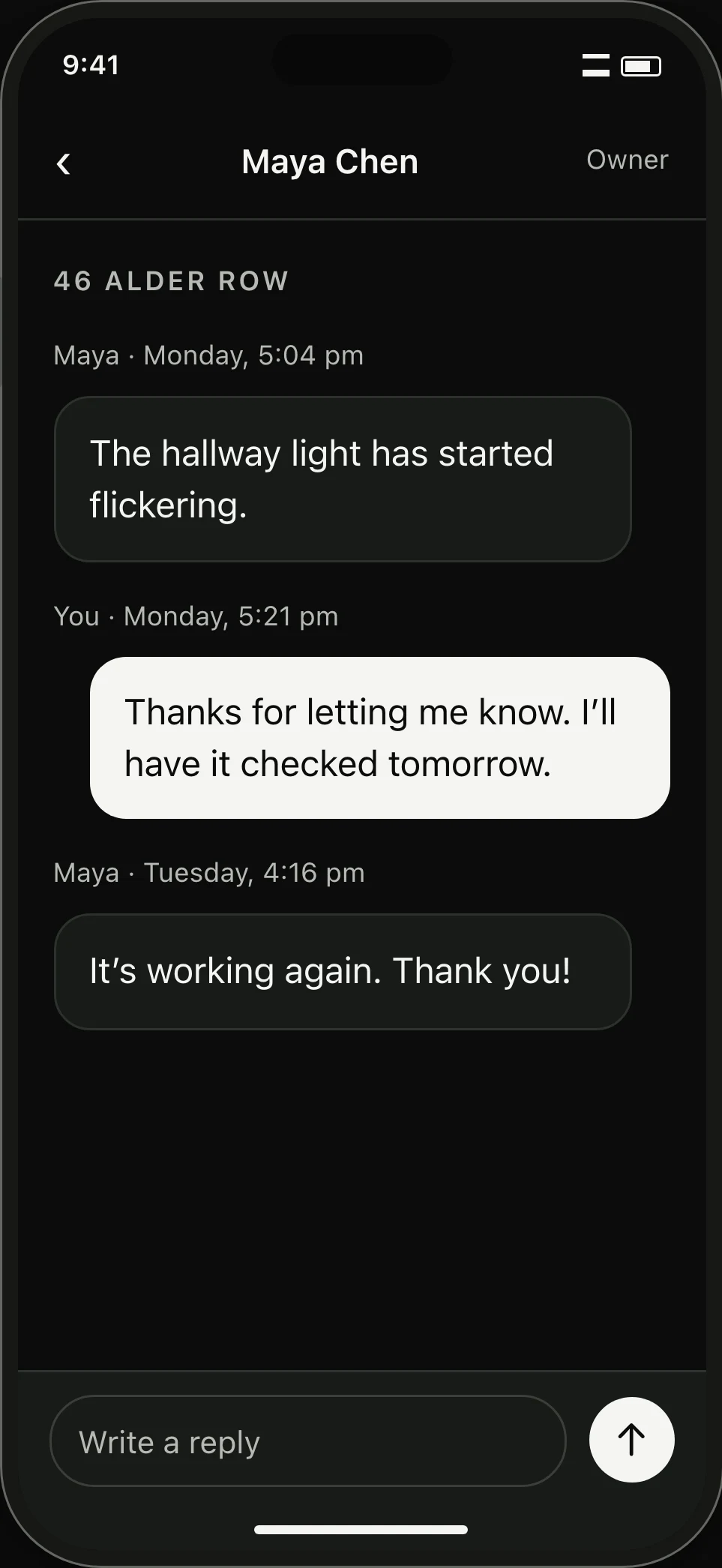
Private thread. A tenant’s hallway-light question and the owner’s response remain in message order.Private thread. A tenant’s hallway-light question and the owner’s response remain in message order.

02 / House chat

Write to the whole house.

For the bins, the spare key or a visit that affects everyone, write to all tenants on the tenancy together.
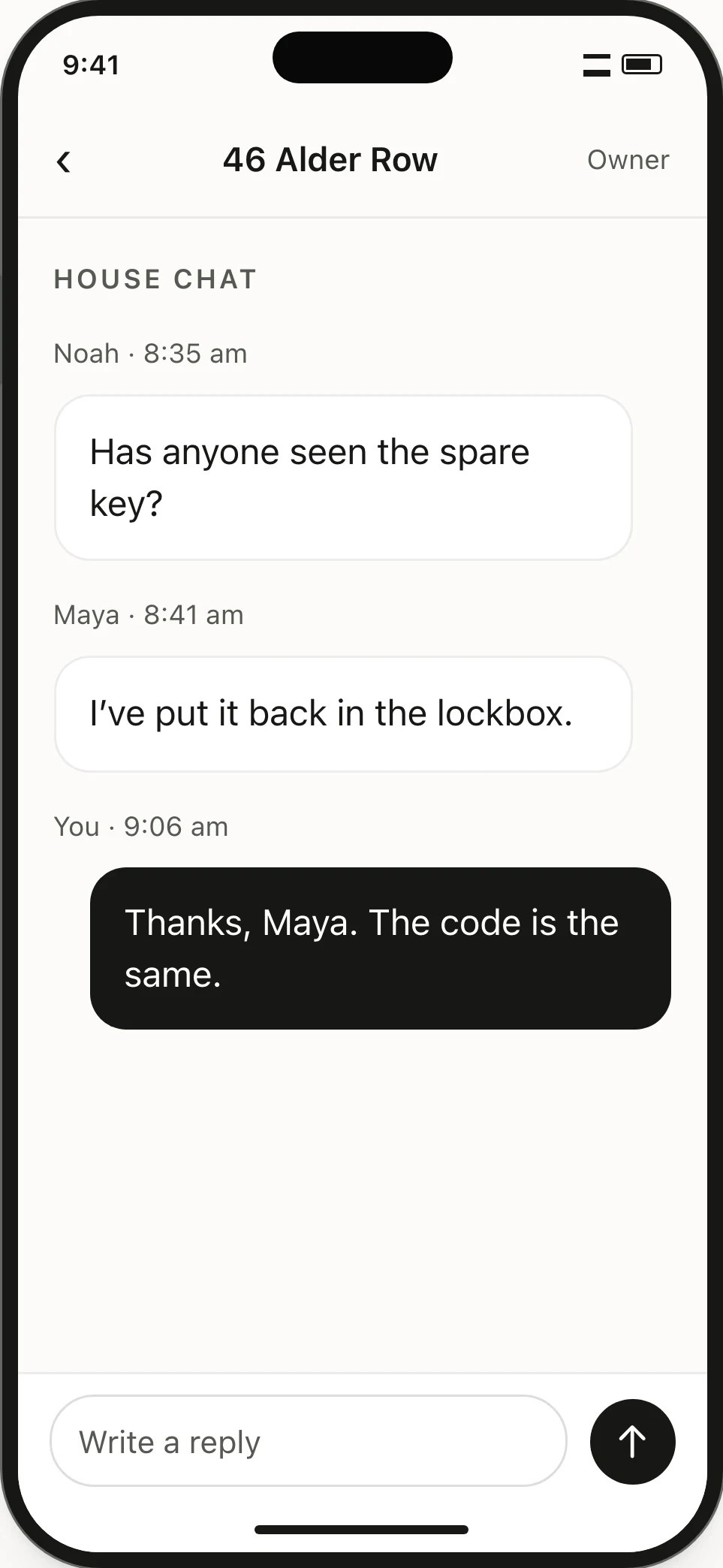
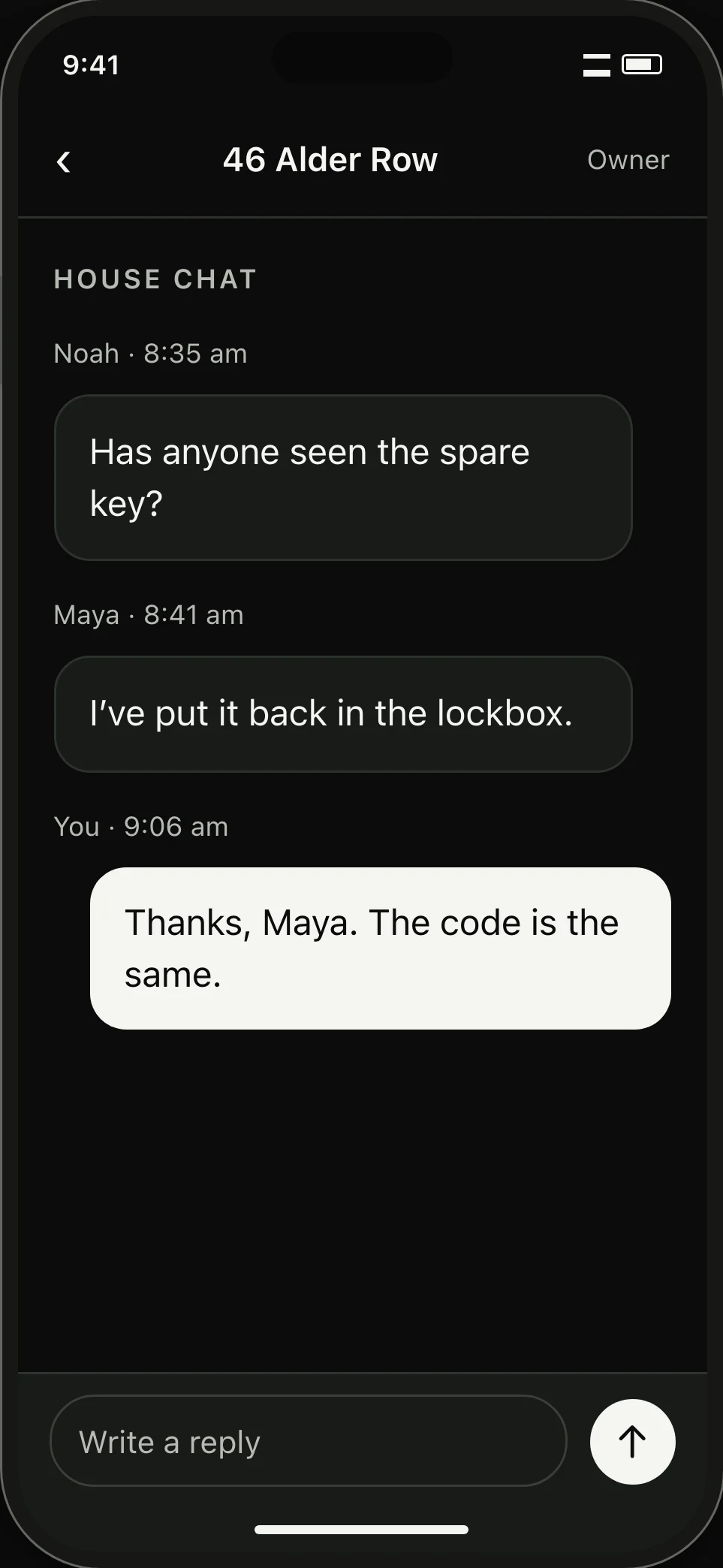
Household chat. Noah, Maya and their landlord exchange a note about the spare key.Household chat. Noah, Maya and their landlord exchange a note about the spare key.

03 / Viewing inquiries

See which listing they asked about.

An inquiry carries its listing and source into the thread. When the home is unclear, Assign to listing lets you connect it before replying.
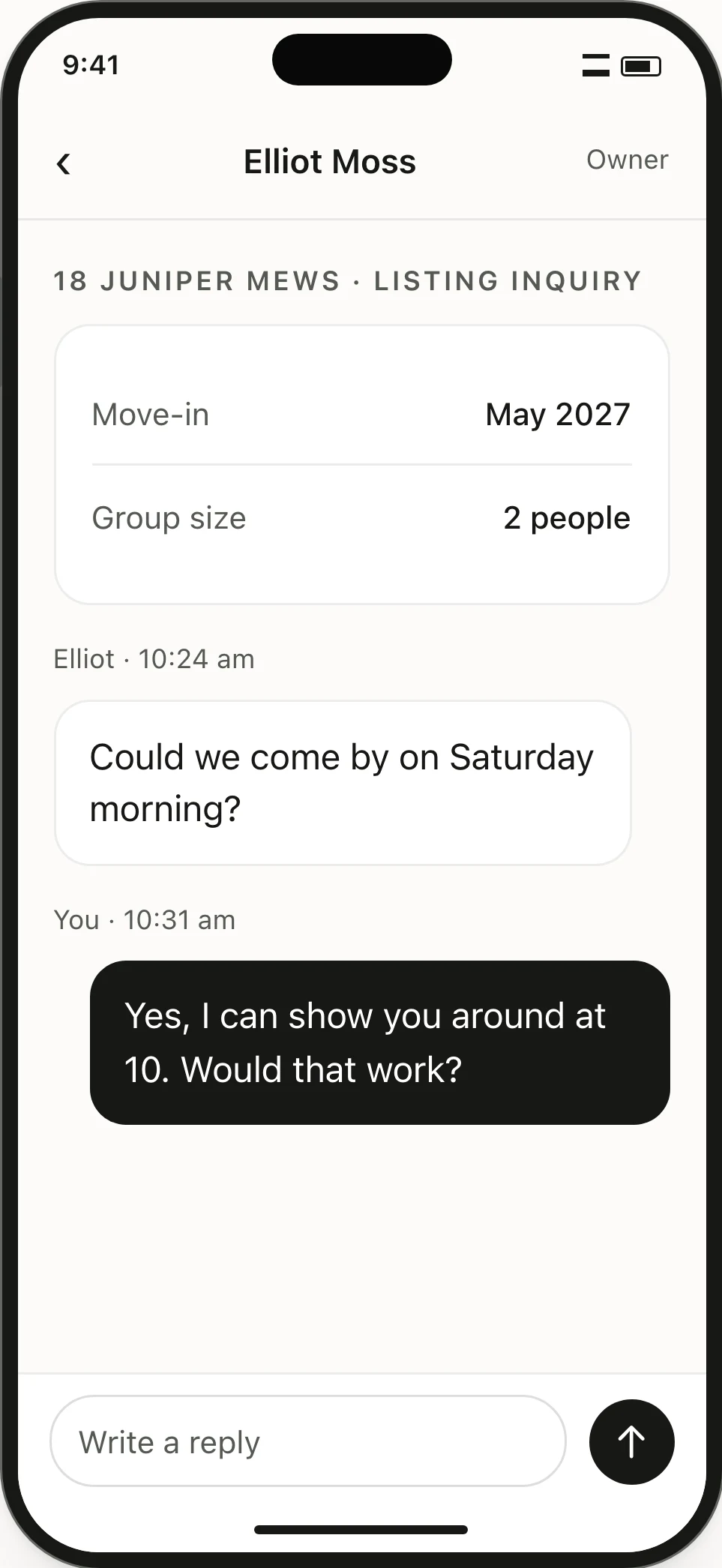
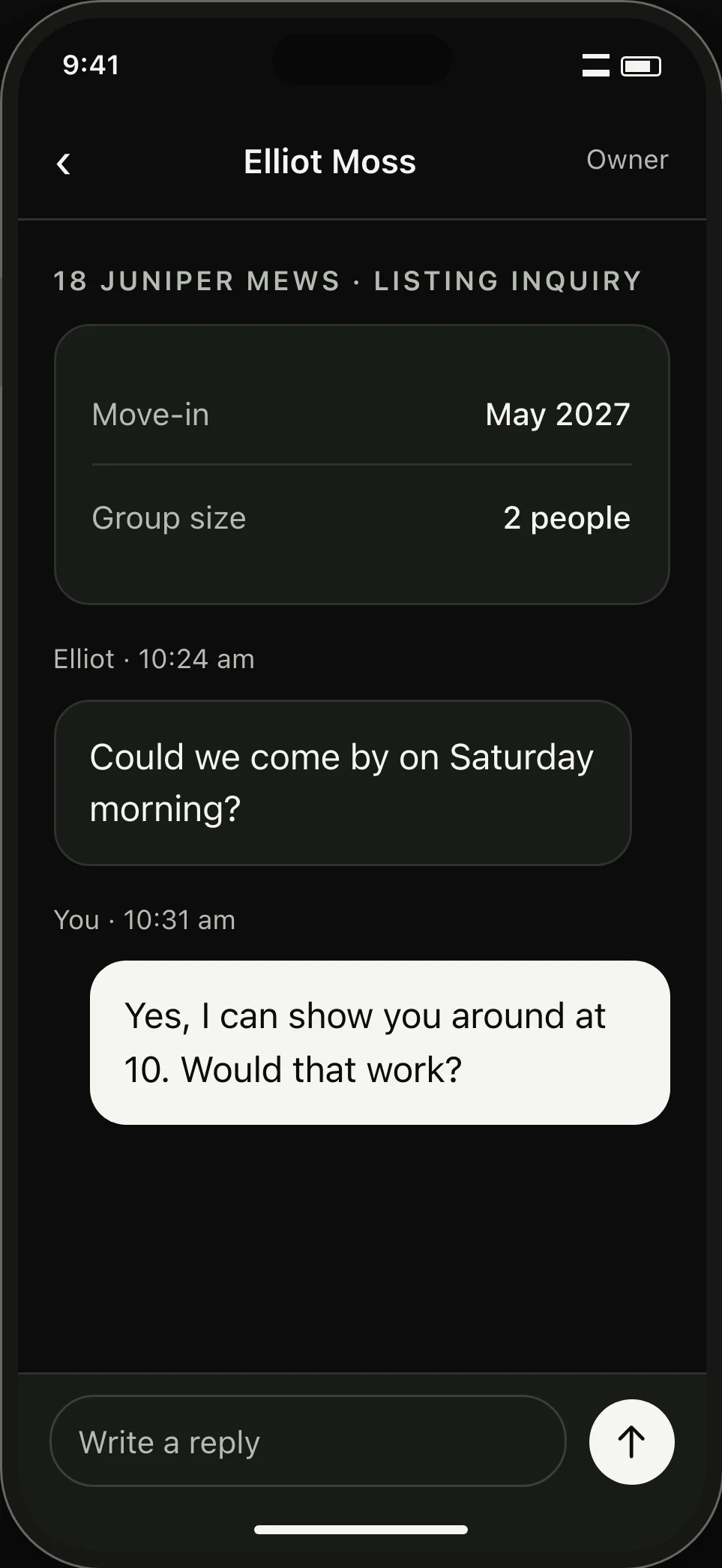
Viewing inquiry. The home, move-in timing, group size and conversation appear together.Viewing inquiry. The home, move-in timing, group size and conversation appear together.

The reply draft

Keep tenant history in view.

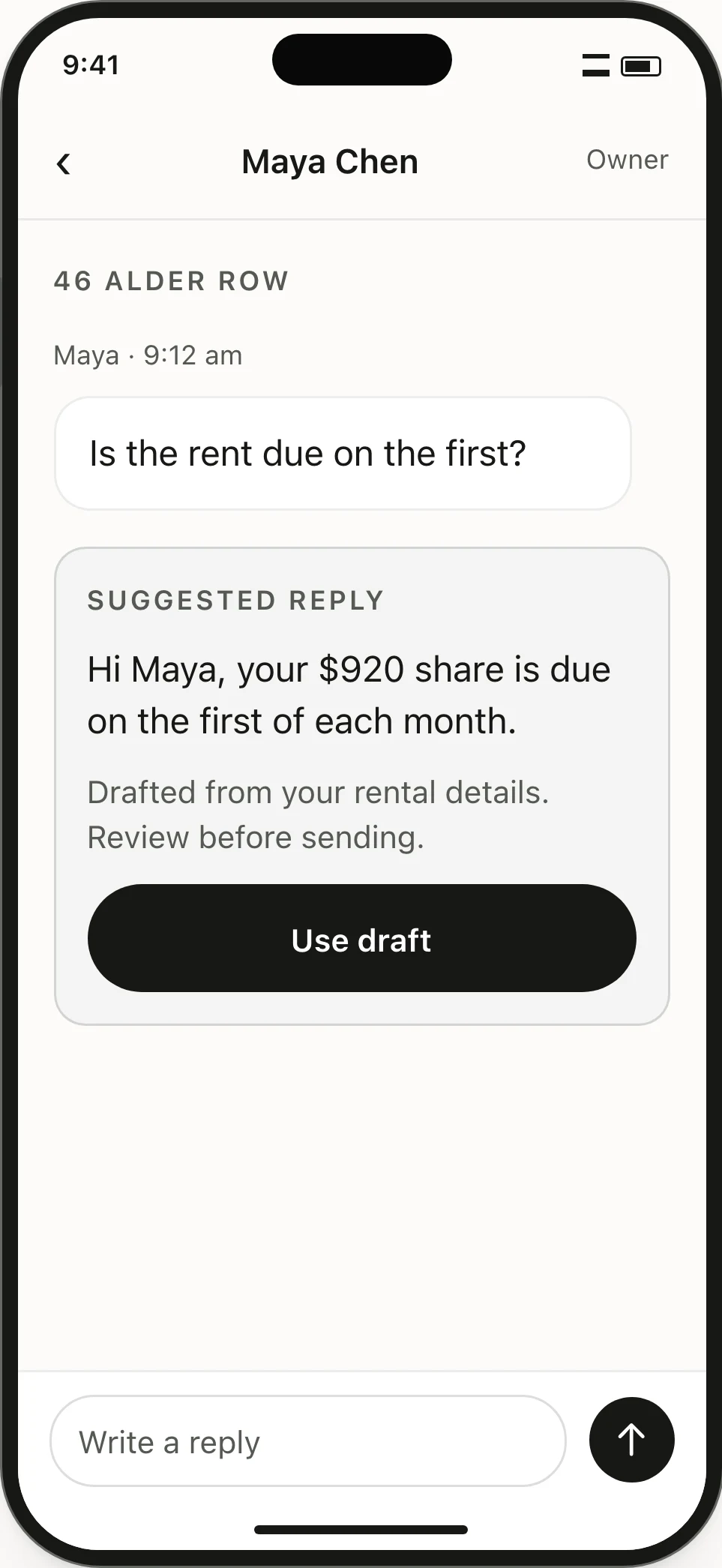
Your tenant message and property records appear directly beside the draft reply.
Tenant question
Water is leaking under the kitchen sink. Can someone come fix it today?
Saved rental detail
Plumbing repair logged. Tenant granted entry permission.
Draft
A plumber will arrive today by 2 PM. They will enter to inspect the pipe if you are out.
Review
Drafts never send until you confirm them.
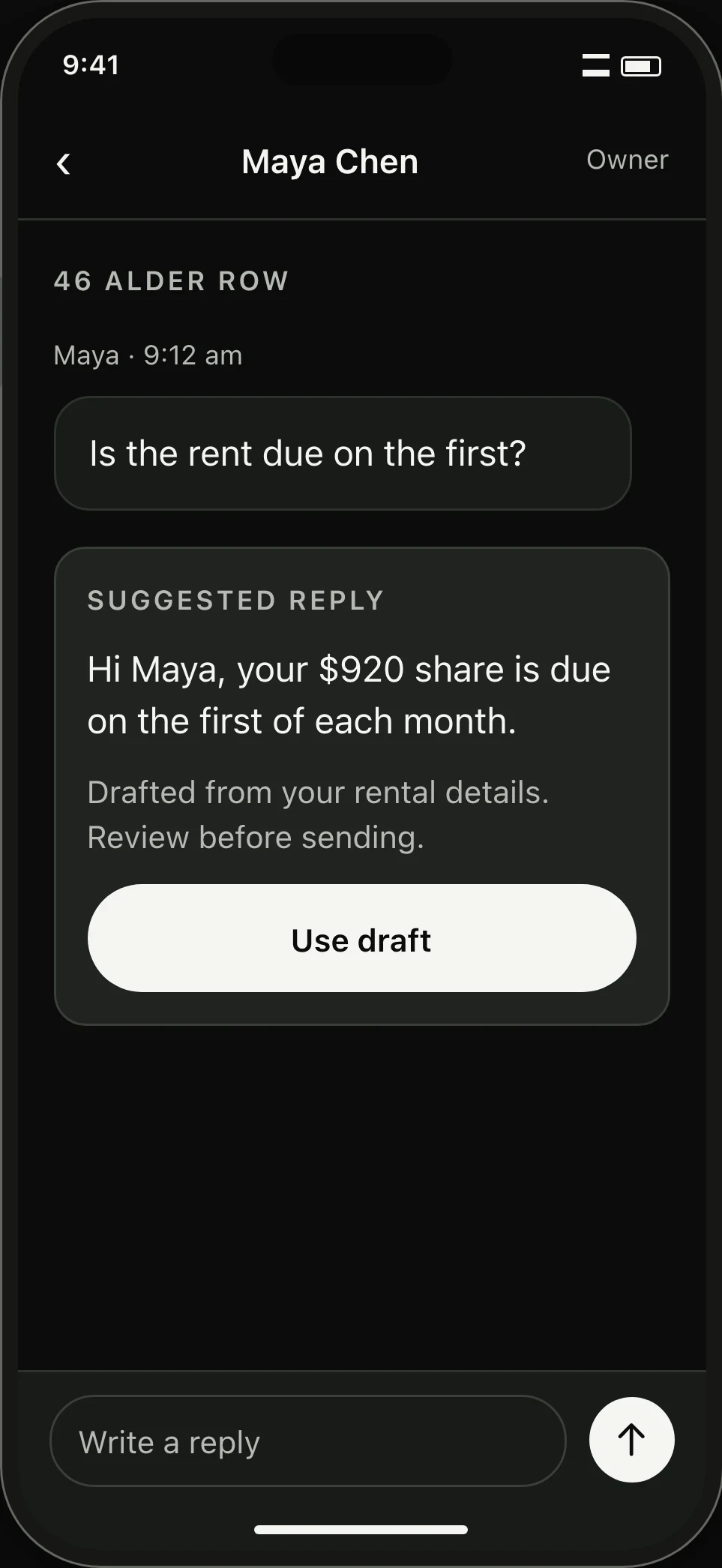
Reply draft for Maya. Her saved rent share is used in a suggested answer that awaits the owner’s review.Reply draft for Maya. Her saved rent share is used in a suggested answer that awaits the owner’s review.

Start with one home.

Add your property and invite tenants. Incoming questions sit right beside the records you need.

Create a landlord account

Looking for a rental? Browse homes